
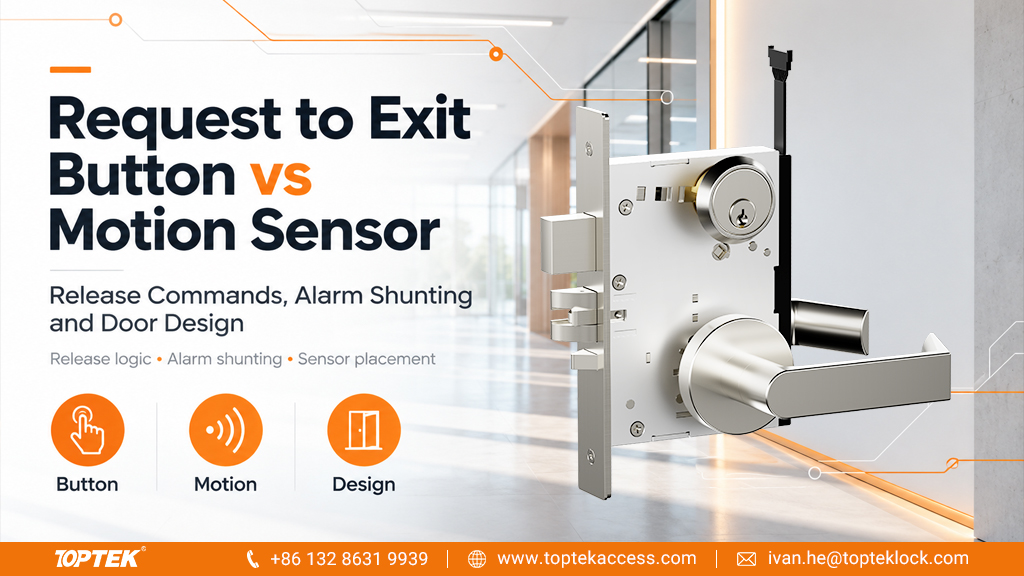

TL;DR: choose the exit function before choosing the sensor
- A request-to-exit button requires a deliberate action; a motion sensor detects activity within its configured area.
- The REX signal can request unlocking, inform the controller of a legitimate exit, or perform another documented function.
- Alarm shunting and physical door release are different outcomes. Define both in the door’s operating schedule.
- Check the complete egress arrangement, device location, input compatibility and failure behaviour before approving the design.
Choose a request-to-exit button when the design requires an explicit user action at an accessible location; consider a motion sensor when detection of an approaching person suits the intended operating sequence. Neither device alone defines how the door releases. The controller may use the signal to unlock the door or simply recognise an authorised exit through mechanically operable hardware. Compare the devices against the door function, expected users, detection area, electrical interface and approved egress design. Then verify the full sequence at the opening, including alarms and failure conditions.
This comparison helps integrators, door manufacturers and project buyers prepare a functional specification. It does not prescribe a universal arrangement for every jurisdiction, occupancy or electrically locked door.
Separate the REX input from the door’s release mechanism
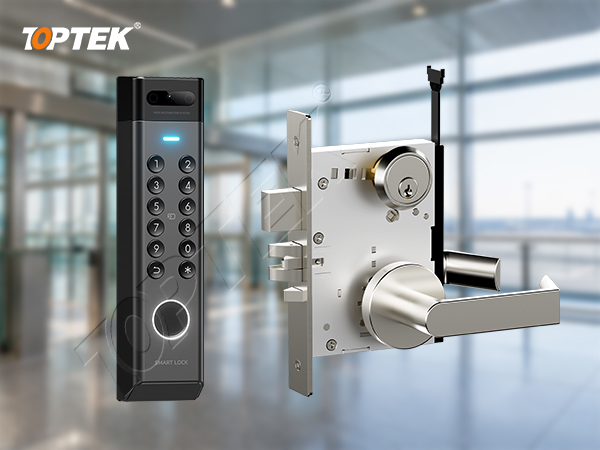
REX means request to exit. A button, detector or switch associated with operating hardware can provide a signal, but the destination and effect of that signal must be defined. It may enter a controller input, form part of another documented circuit or be handled by an integrated lock system. A label reading “exit” does not explain the complete circuit.
Consider a door whose inside lever mechanically retracts the latch. A signal associated with a legitimate exit may be used to prevent a door-forced-open event without electrically unlocking the outside access function. In another design, the signal may initiate an electrical release. Those are different operating requirements even if the user sees the same button.
The AXIS A1601 manual provides a manufacturer example: its REX configuration distinguishes an unlocking action from a mode used with mechanical handles or push bars where the signal does not unlock the door. It also describes suppression of a forced-open alarm within the applicable access period. This illustrates the distinction; it does not establish compatibility with any particular TOPTEK lock or define the settings for another controller.
Compare deliberate operation with automatic detection
A push button gives the user a visible action to perform. Its position, signage and physical operation need to suit the expected users and the approved door arrangement. A motion sensor can detect an approach without a separate hand action, but its detection area and response need to be checked against the actual layout.
| Decision point | REX button | Motion sensor |
|---|---|---|
| Trigger | Deliberate operation by the user | Activity detected within the configured area |
| Placement review | Reach, visibility, approach route and signage | Coverage, approach direction and nearby movement |
| Unwanted activation checks | Accidental contact or inappropriate use | Traffic or activity outside the intended exit approach |
| Electrical information | Contact function and any illumination or electronics supply | Power requirements, output function and timing behaviour |
| Commissioning record | User action, input event and expected door response | Detection path, input event and expected door response |
Neither option is automatically the better choice. A busy corridor beside the door can create a different sensor-placement problem from a recessed exit lobby. A button that is easily reached by one user may be unsuitable for another. Review the actual route and user needs with the responsible designer rather than selecting by unit price alone.
Define release commands and alarm shunting separately
An unlocking command changes an electrically controlled locking function. Alarm shunting, in this context, means temporarily suppressing a specified alarm during an expected event. A legitimate exit signal may prevent the controller from treating the subsequent door opening as forced entry, while the inside hardware provides the physical release.
Write the required outcome in a short sequence: user approaches or operates the button; the REX input changes; the controller applies the intended action; the door opens; the door closes; the appropriate monitoring state resumes. State which actions occur electrically and which occur mechanically.
Do not treat a controller log entry as proof that the door can be opened. Equally, a door that opens normally can still produce unwanted alarms if the event sequence or timing is incorrect. Commissioning must examine the physical opening and the event record together.
The authorised-exit period should be selected for the actual system and user movement, then checked against its documented configuration. Copying a timer from a different project can mask a placement issue or produce an unsuitable monitoring window. Record any adjustment and the reason for it.
Check location, coverage and the real approach route
For a motion sensor, review the proposed mounting position against the manufacturer’s coverage information and the room layout. Include nearby doors, queues, furniture and traffic passing across the opening. A drawing showing only the door leaf is insufficient to assess the intended detection area.
During commissioning, observe representative approaches from the routes people will actually use. Check both an intended exit and movement that should not initiate the same response. Confirm the results with the door in its normal operating configuration, including any adjacent leaf or partition that affects the approach.
For a button, examine visibility and access from the intended approach. Confirm whether the device requires pressing, touching or another documented action, and make the signage consistent with that operation. Do not describe a touch-free sensor as a push button merely because it occupies a similar plate.
If a position or detection pattern produces unwanted activation, ask the designer and installer to review it. Avoid solving an unexplained problem by making the alarm window progressively longer or disabling useful monitoring.
Match the input interface and the lock operating function
Record the REX device’s supply requirements, output type and normal and active states. Identify whether the controller input expects a contact closure, an opening contact or another documented signal. A powered sensor can still have a relay contact output; its power terminals and signalling terminals serve different purposes.
Check the controller’s supported supervision arrangements where relevant. Do not assume that all inputs accept the same resistor values or wiring topology. Keep the device and controller manuals with the connection schedule, including the exact revisions used.
For the lock side, establish whether the controller sends a release command or switches an approved supply, and which inside and outside functions are affected. Use the electronic mortise lock wiring guide to organise the wider wiring enquiry, then obtain the actual model diagram. Generic wire colours or a similar connector are not a compatibility specification.
Power loss, controller failure and network loss can affect different parts of the system differently. The approved door design must define the intended egress and security behaviour in each applicable condition. An ordinary controller-input button should not be assumed to perform the same function as a separately specified emergency release device.
Commission the opening with a cause-and-effect record
Use a door-specific record rather than a single checkbox labelled “REX works.” The following checks establish whether the chosen button or sensor produces the intended result in the complete system.
- Verify the initial state: record door position, locking condition and the normal controller input state.
- Activate the intended exit device: confirm the input event and any specified release action.
- Operate the door normally: check the physical release and the expected monitoring events.
- Close and recover: confirm the required latching or locking function and return of monitoring.
- Check unintended approaches: observe whether unrelated traffic creates the same command.
- Verify approved failure scenarios: have the responsible team test the documented power and control conditions with appropriate site arrangements.
Record the result, device positions, configuration settings and any exceptions. Do not leave unexplained differences between the event log and the observed door operation for the facilities team to discover after handover.
Why TOPTEK: specify the electronic lock within the door system
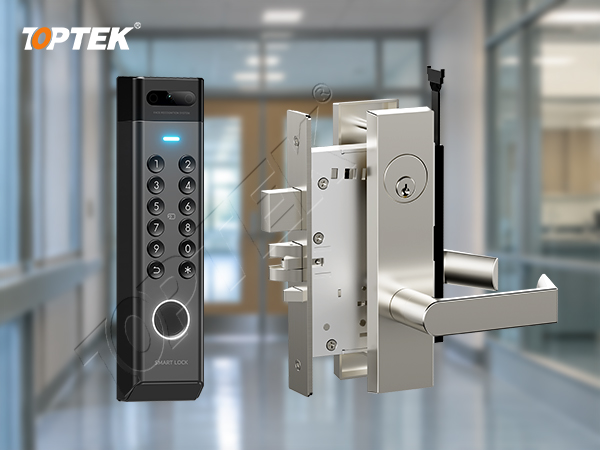
Use the TOPTEK electronic lock and access control range to identify a suitable product enquiry. For a proposed TKAMMRR9200RR configuration, request the current operating-function and electrical documents applicable to that exact version.
The enquiry should explain what the inside hardware does mechanically, what the controller commands and what signals are required for monitoring. Discuss the wider supply scope through TOPTEK’s commercial locks and access control manufacturing information. Review the quality-management information together with model-specific documents; a general product family does not establish a certified system combination.
RFQ checklist: define the function before requesting hardware
- Door location, user groups, approach layout and applicable project requirements.
- Mechanical inside release, outside access function and exact lock configuration.
- Button or sensor model, proposed location and intended activation behaviour.
- Controller model, supported input type and the proposed cause-and-effect sequence.
- Power supplies, monitoring functions and required failure-condition checks.
- Quantities, drawings, documentation, sample and commissioning responsibilities.
Request an interface review when the signal path or operating function is undecided. Once the design is defined, request a formal quotation identifying the lock version, accessories, required documents and sample scope. State clearly which devices and integration work belong to other project suppliers.
Frequently asked questions
Does every REX signal unlock the door?
No. Depending on the system design, the signal may initiate unlocking or identify an authorised exit while mechanical hardware releases the door. Confirm the configured function.
No. The choice depends on the intended user action, approach route, detection area, accessibility needs and approved door design.
Does alarm shunting prove that the lock has released?
No. Suppressing an alarm and physically releasing the door are different outcomes. Check both the event record and the actual door operation.
Can the same wiring diagram be used for every REX device?
No. Supply requirements, output states and controller input arrangements vary. Use the diagrams for the exact devices and configuration.
What should be tested before handover?
Test intended activation, physical release, alarm behaviour, door closure, recovery and the approved failure scenarios. Record the settings and the observed results for that opening.
Conclusion: validate the complete exit sequence
The request to exit button vs motion sensor decision starts with the door’s required behaviour. Choose the trigger that suits the users and layout, define the electrical and mechanical actions, and prove the complete sequence during commissioning. A clear functional record helps procurement, installation and facilities teams work from the same understanding.