

TL;DR
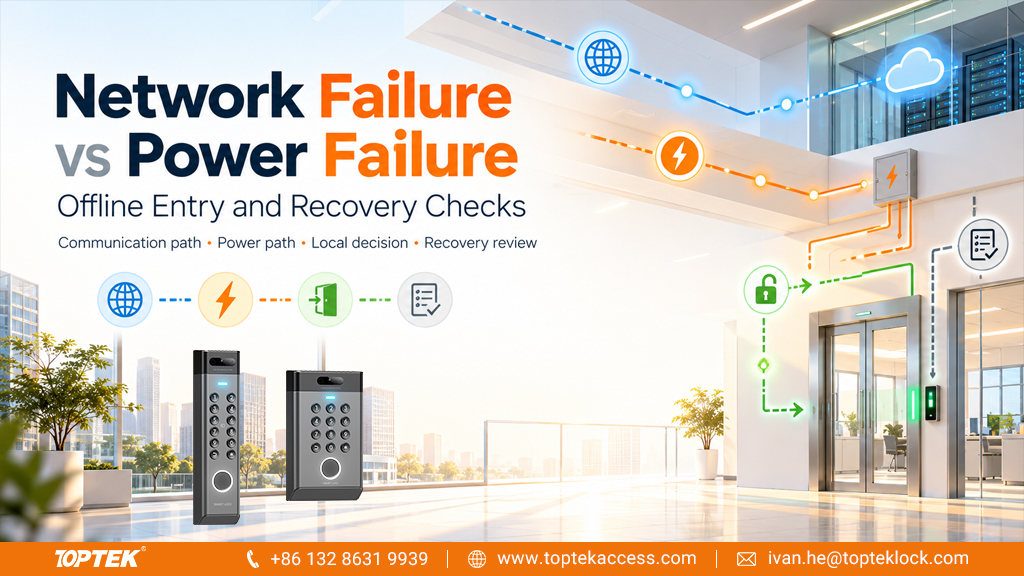
- A lost network connection and a lost electrical supply are different faults, even if both make a dashboard show a door as offline.
- Local access decisions depend on the controller, stored permissions and configuration; the lock mechanism does not define that capability.
- Map the power source for the controller, reader and lock, including any shared PoE dependency.
- Test the approved outage and recovery scenarios separately, including permissions and event records after reconnection.
Quick Answer: Network Failure vs Power Failure
Access control network failure interrupts communication between parts of the system. A powered controller with documented local decision capability may continue to admit authorised credentials while its management connection is unavailable. Power failure removes energy from the affected controller, reader or lock and can produce a different result. The lock’s fail-safe or fail-secure function addresses its defined electrical failure condition, not every network outage. Determine which component lost communication, which components still have power and which access decisions remain available. Then verify the actual door behaviour against the approved configuration.
Locate the Failure Before Predicting the Door State
The word “offline” is useful as an alert but incomplete as a diagnosis. It can describe a controller that cannot reach a server, a reader that cannot communicate with its controller, or a management application that is unavailable. Those conditions do not necessarily produce the same response at the door.
Start with a simple component map: credential, reader, controller, management service, power supply and lock. Mark the communication links separately from the power connections. Include door-position inputs and local exit hardware where they affect the operating sequence. This makes it easier to identify the failed dependency without assuming the entire opening has stopped working.
A lock may still have power while the reader is unavailable. A controller may still make local decisions while its server cannot display current events. Conversely, a shared supply fault may remove several devices at once. Describe the affected component and observed behaviour in the fault report rather than writing only “internet down.”
Understand What Local Access Decisions Mean
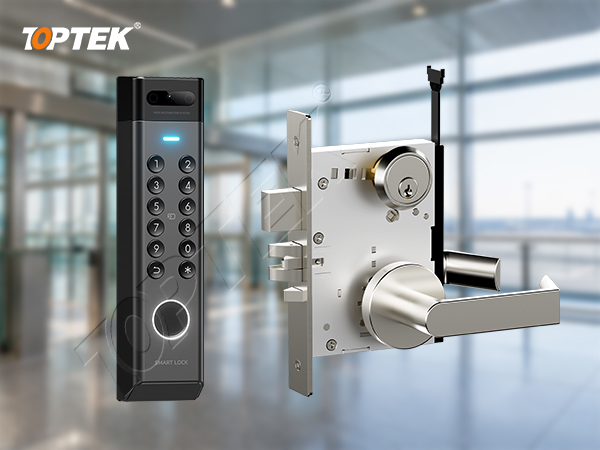
Some controllers retain the information needed to make access decisions locally. For example, Axis describes edge-based operation during network outages for its network door controllers. That is a manufacturer-specific capability, not a property that can be inferred from every electronic lock or reader.
For the selected controller, ask which credentials, schedules and rules remain available without the management connection. Determine whether new permissions or revocations can reach it during the outage. Also ask how it stores events and what happens when storage limits or other documented constraints are reached. Put the answers in the project record.
The practical distinction is between using information already present locally and receiving a new instruction from elsewhere. Do not assume that an offline access decision includes every function available while the complete system is online. Remote release, visitor services and other integrations each need their own documented dependency check.
Compare the Failure Scenarios
| Scenario | What to establish | What to observe at the opening |
|---|---|---|
| Management service unavailable | Whether local decisions continue and which updates stop. | Credential response, actual release and local event handling. |
| Controller network link unavailable | Whether the controller remains powered and has the required local data. | Entry, exit and reporting under the documented offline configuration. |
| Reader communication lost | How the controller identifies that fault and handles the missing input. | Credential response and the approved alternate access procedure. |
| Lock supply lost | The exact lock’s specified electrical failure state. | Outside access, inside exit and physical latch condition. |
| Shared supply or switch lost | Every device dependent on the failed source. | The combined result and the order of recovery. |
Use the table as a test-planning framework. The expected results must come from the selected equipment and approved design. It is not a universal fail-open or fail-closed prescription. Different openings in the same building can have different approved functions.
Map PoE and Backup Power Dependencies
Power over Ethernet can place communication and electrical supply on the same cable path. If a controller is powered that way, disconnecting its cable may remove both data and power. Such a test does not isolate a network-only fault. Likewise, a powered network switch failing can affect several connected devices at once.
Ask the system designer to identify a controlled method for testing the intended failure condition while maintaining the required safety arrangements. Do not improvise changes to power wiring or emergency interfaces. Record which power sources remain available during each scenario, including any separate lock supply or backup.
Battery backup is also component-specific. Backup for a lock supply does not prove that the reader, controller and network equipment remain operational. Check the complete dependency chain and the documented backup scope. Use the electronic mortise lock wiring guide to organise the door-side electrical information needed for the review.
Separate Controller Behaviour from Lock Behaviour
The controller makes or receives an access decision and issues a command. The lock responds according to its mechanism, configuration and electrical interface. Fail-safe and fail-secure terminology should be applied to the specified lock function and failure condition; it does not tell you whether a disconnected server can still revoke a credential.
Inside exit needs its own verification. Do not infer an occupant’s ability to leave from the colour of a reader indicator or an online status icon. Confirm the approved mechanical and electrical exit arrangement on the complete opening. Retain the project’s emergency and fire interfaces throughout investigation and testing.
The TOPTEK electronic lock and access control range is a starting point for selecting door hardware. For an integration enquiry, identify the controller and reader separately and provide their relevant interface documents. Shared terminology such as “access control compatible” is not enough to establish a tested combination.
Plan a Controlled Outage Test
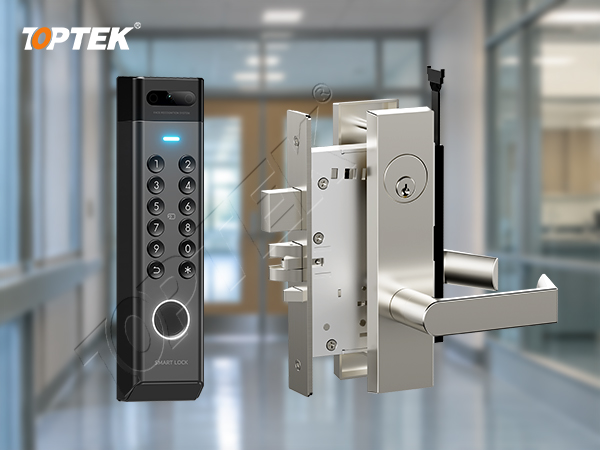
Agree the test with the responsible facilities, security and installation teams. Define the affected opening, time window, observers and method of returning to normal service. Establish an approved access and exit arrangement before interrupting any component. A live occupied entrance should not become an uncontrolled experiment.
First record normal operation with the full system available. Use approved test credentials representing permitted and denied access. Note the actual door response and the event recorded by the system. Then apply one agreed failure scenario at a time so the result can be attributed to a known change.
- Record controller and software versions, relevant settings and the last successful data update.
- Identify the link or supply affected and confirm the intended test condition.
- Observe credential handling and the physical release separately.
- Check the approved inside exit arrangement and the return to the intended closed state.
- Record local indications, management alerts and event timestamps.
If behaviour differs from the approved result, stop that test and restore the agreed operating arrangement. Preserve the observations for the responsible supplier or integrator. Repeatedly changing settings without recording them makes the original condition harder to reproduce.
Verify Recovery, Permissions and Event Records
A green online indicator is only the beginning of recovery verification. Confirm that the controller and management system agree on the relevant configuration. Check that intended permission changes have reached the opening and that the next authorised and denied entries behave correctly.
Where the equipment supports locally stored events, verify how those events are transferred after reconnection. Distinguish the time of the door event from the time the management system received it. Check for the documented handling of missed or repeated records rather than assuming a continuous dashboard proves a continuous connection.
Also observe the lock during recovery. Confirm the intended relay or command state, normal door closing and the configured access schedule. If network equipment and lock power recover at different times, include that sequence in the approved test plan. The handover record should explain what the operator will see and whom to contact when a recovery check fails.
Avoid Common Specification Mistakes
“Works offline” is too broad for a purchase specification. Ask which operations continue, for which credentials, under which configuration and for what documented limits. A claim about local entry does not automatically cover remote unlocking, cloud-issued visitor credentials or immediate permission changes.
Another mistake is using one outage result to cover all failures. Turning off a shared supply tests a different condition from losing a server connection. Similarly, testing a single controller does not demonstrate behaviour across every opening, software version and integration in the building.
Finally, do not treat a successful credential event as proof that the latch released. Observe the actual opening. Door alignment, mechanical resistance or an electrical interface problem can prevent entry even while the access-control software reports a grant. Record both the decision and its physical result.
Prepare the RFQ and Handover Evidence
For a TOPTEK enquiry, provide the exact electrical lock model and version, controller and reader references, supply design, signal interface, door schedule and required failure behaviours. The TKAMMRR9200(RR) product page supplies a product reference for discussion; it does not establish autonomous network functions or compatibility with a named controller.
Request a responsibility list identifying who verifies the lock, controller settings, network and backup supply. Include sample testing, configuration records, recovery steps and operator training in the acceptance scope. Specify the country and project requirements so the intended arrangement can be reviewed in its actual context.
Why TOPTEK? Its electronic-lock range and quality-management information give procurement a basis for discussing the door-hardware part of the system. Keep the controller’s offline capabilities and software functions with the relevant system supplier, and coordinate the interfaces through a documented opening-level review.
Frequently Asked Questions
Does losing the internet always unlock the door?
No. The result depends on the affected connection, remaining power, controller capability and approved configuration. Observe the exact opening rather than assuming a universal response.
Does fail-secure mean the controller works offline?
No. Fail-secure describes a defined lock failure behaviour. Offline credential decisions are a separate controller and system capability.
Can disconnecting a network cable also remove power?
Yes, where that cable supplies Power over Ethernet to the affected device. Account for both dependencies when planning a test.
Will a new credential revocation reach an offline controller?
Do not assume it will. Confirm the system’s update path and documented offline behaviour, then verify the intended permissions after reconnection.
What should be checked after communication returns?
Check configuration and permission updates, event handling, normal entry and exit, physical lock behaviour and the intended access schedule.
Request a Door Integration Review
Specify the failed connection or supply before deciding what the door should do. Send TOPTEK the hardware and interface documents for an initial configuration discussion. For a formal quotation, include quantities and the agreed test and handover requirements through the commercial locks and access control enquiry page.